
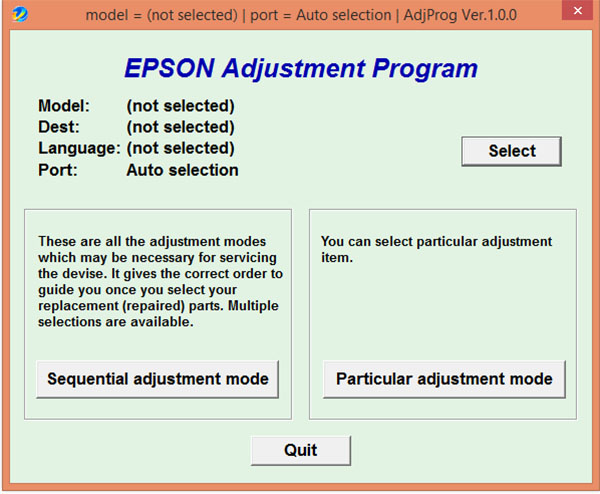
Epson Ink Pad Reset Utility (Adjustment Program)
Compatible with Epson L3110, Epson L3150, Epson L4150, Epson L1110, and Epson L5190.
Main Features: This utility helps fix the following printer issues:
- Fix two lights flashing alternately.
- Fix two lights flashing simultaneously.
- Fix three lights flashing simultaneously.
- Fix ink flow issues or incomplete ink charging.
- Fix color printing errors or color misalignment.
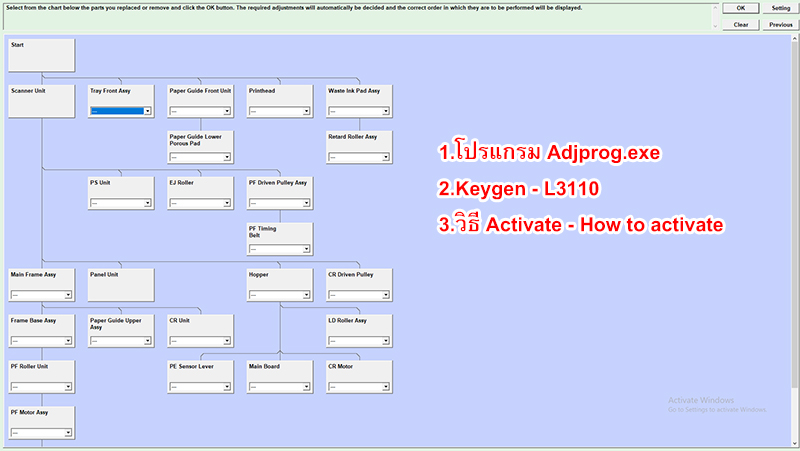
These symptoms usually indicate that the waste ink pad is full. The reset utility clears the waste ink counter, supports Power Cleaning function, and can check for other printer errors and maintenance functions.
Download Epson Adjustment Program (Resetter)
Supported Operating Systems:
Windows 11, Windows 10 (32-bit & 64-bit), Windows 8.1 (32-bit & 64-bit), Windows 8 (32-bit & 64-bit), Windows 7 (32-bit & 64-bit)
| Epson Adjustment Program (Resetter) | Size | Download |
|---|---|---|
|
Compatible with the following Epson printer models:
|
3.5 MB | Windows 32-bit and 64-bit |
Visit the official EPSON Home Page.
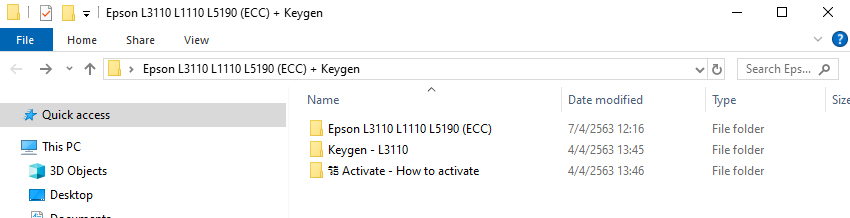
How to install: Download the file above → Extract it → Double-click to install and follow the instructions.